
The pragmatic modal editor
A modal editor for the terminal, extensible in Scheme.
HUME follows the select-then-act model: first select what you want to change, then say what to do with it. On top of that, it is extensible thanks to its embedded Scheme interpreter and runs on Windows, macOS and Linux.
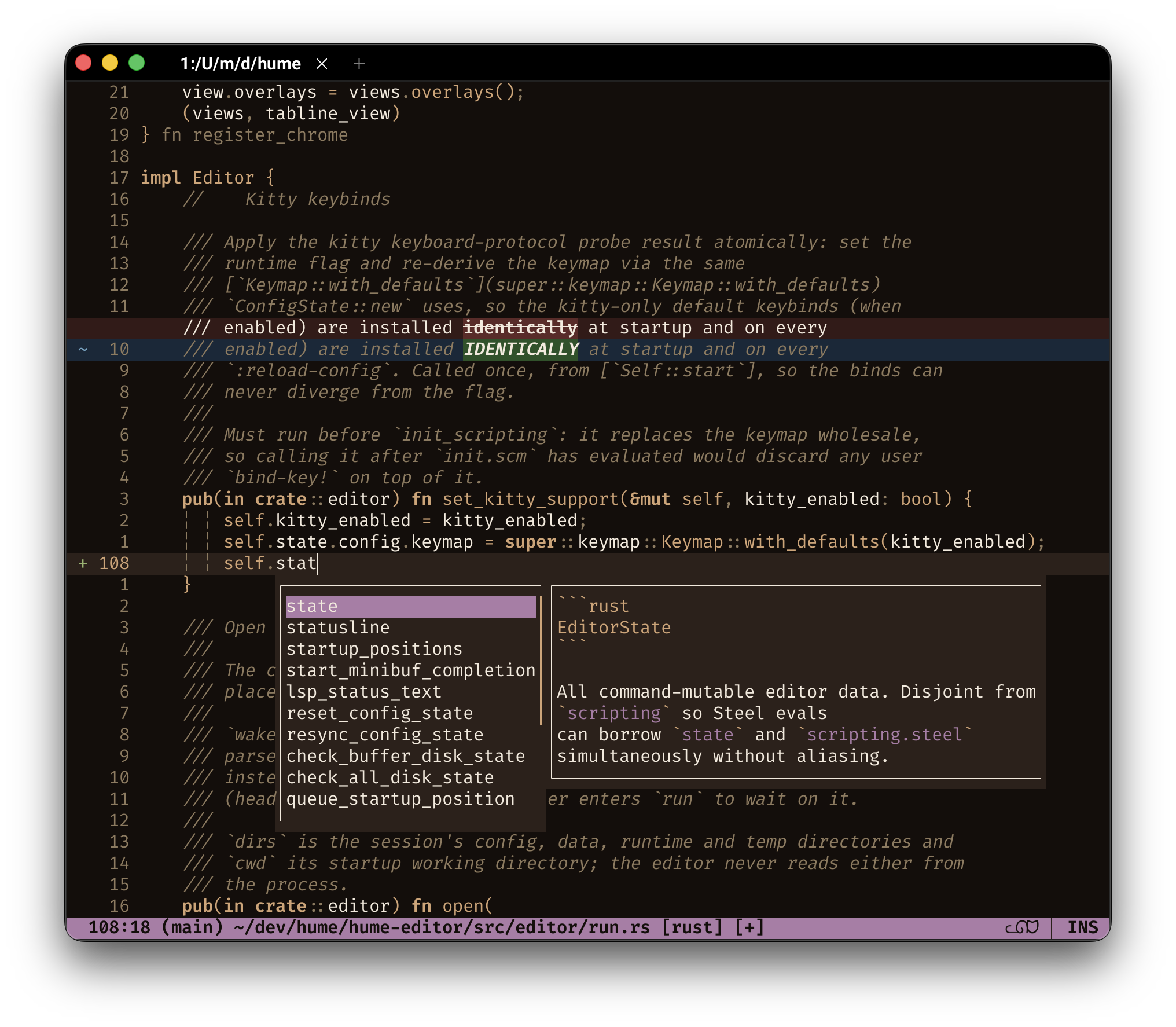
Why try it
- Extensible to the core. Fuzzy pickers, language server support, live git diff and the undo history graph are plugins written in Scheme, the same language as your config. They ship with the editor: enable them with one line, customize them, or rewrite them to your taste.
- Installs from inside the editor. Language servers, tree-sitter grammars, themes and plugins: each is a single command away, no manual downloads.
- See it before you change it. Selections come first, so every edit starts from something visible on screen. Common changes take fewer keys and cause fewer surprises.
- Paste that does the obvious thing.
preaches for what you most likely meant, and a kill ring keeps your recent deletes and yanks within reach. - Comfortable with real text. Emoji, accents and other multi-byte characters count as single characters.
- Easy to pick up. HUME ships with an interactive
:tutorand the manual teaches you how to migrate from your editor.
Quickstart
- Install. Download the archive for your platform and extract it. See Installation.
- Turn on the extras. HUME starts lean. Copy the starter config to
~/.config/hume/init.scm(%APPDATA%\hume\init.scmon Windows) to turn on the fuzzy pickers, language servers, live git diff, the undo-history graph and the plugin manager. - Add your languages. Open a file and run
:plum-install-grammarfor syntax highlighting and:lsp-installfor a language server. Both act on the open file's language, once per language. Both need the plugins from step 2. - Learn the keys. Type
:tutorand pressEnterfor the interactive tutorial.
The question every modal editor must answer up front: to quit, press Esc, then type :q and press Enter. Use :q! to quit without saving, :wq to save and quit.
Where to go next
- New to modal editors? Start with Getting Started and Modes.
- Coming from Vim or Neovim? See Coming From Vim.
- Coming from Helix? See Coming From Helix.
- Coming from Kakoune? See Coming From Kakoune.
- Looking for a specific key? Jump to the Default Keys.